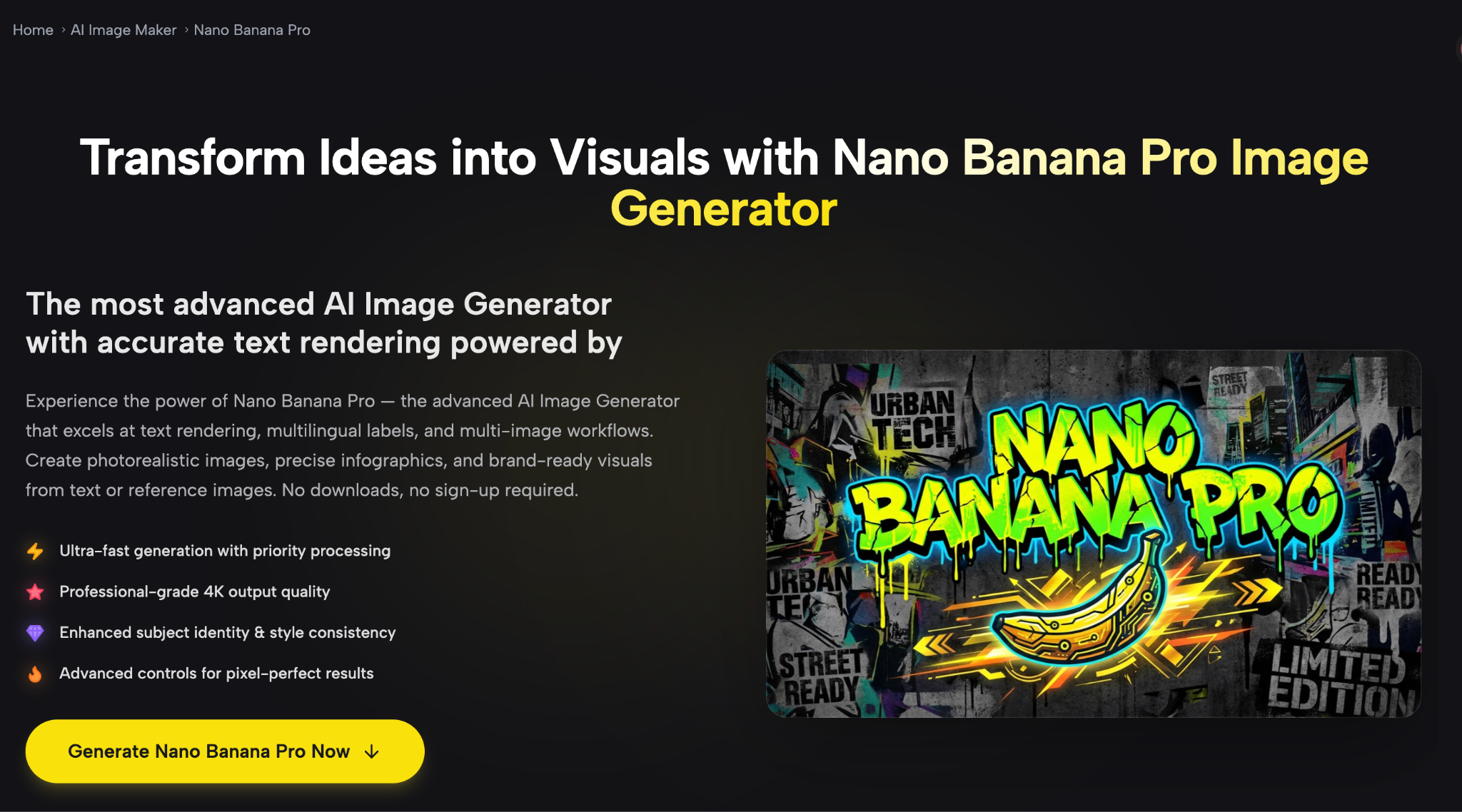
Introduction: Generating images with accurate text, multilingual labels, and consistent visual style has long been one of the harder challenges in AI image creation. Most general-purpose tools handle photorealistic scenes reasonably well, but ask them to render a diagram with legible annotations, a poster with Asian-language typography, or a branded product image with precise layout control — and the results often fall short. That gap is exactly what Nano Banana Pro is designed to close.
Available through SuperMaker AI, Nano Banana Pro is a browser-based image generator built around a specific strength: producing images where text, layout, and visual structure actually behave the way you expect them to. This guide breaks down how the model works, what makes it worth using, and which workflows it fits best.
What Is Nano Banana Pro and Where Does It Live?
Nano Banana Pro is one of several AI image models available on SuperMaker AI, a platform that combines video generation, image creation, music production, and voice synthesis under one interface. Within that ecosystem, Nano Banana Pro sits in the AI Image Maker section and is accessible directly from the browser — no account creation required to start generating.
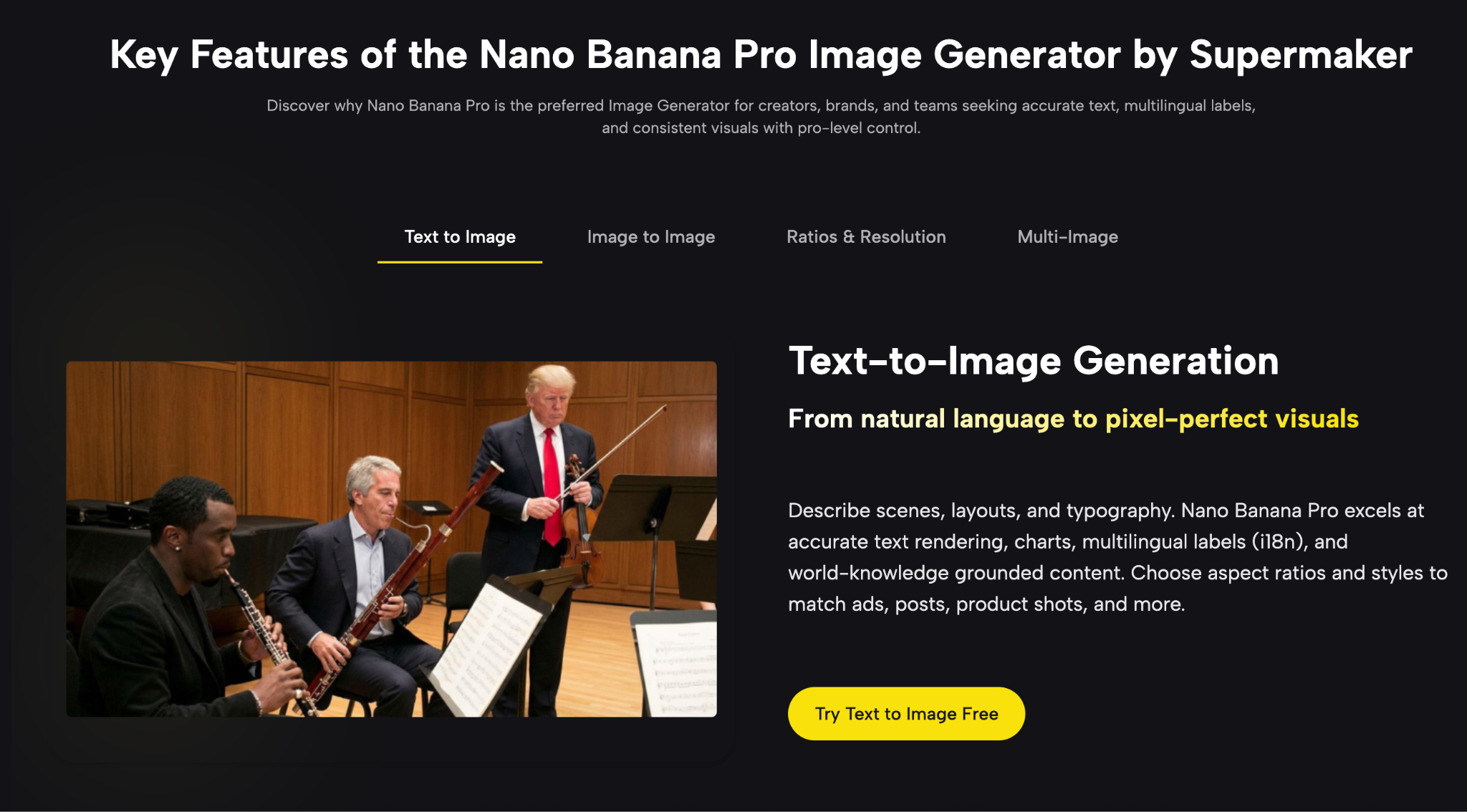
The model operates in two modes: text-to-image (describe a visual from scratch) and image-to-image (upload one or more references to guide the output). Both modes are available in the same workspace, so you can move between them without switching tools or losing your session.
What Nano Banana Pro Actually Does Well
Accurate Text Rendering and Multilingual Support
One of the most consistently cited strengths of Nano Banana Pro is its ability to render readable text within generated images. This covers everything from English headlines on a poster to annotations on a data diagram to labels in Chinese, Japanese, Korean, and other Asian scripts. For teams producing localized marketing assets or educational content in multiple languages, this matters considerably. Generating an infographic once and knowing the text will be legible across language variants is a workflow advantage that generic models rarely offer.
Multi-Image Prompts — Up to Four Reference Images
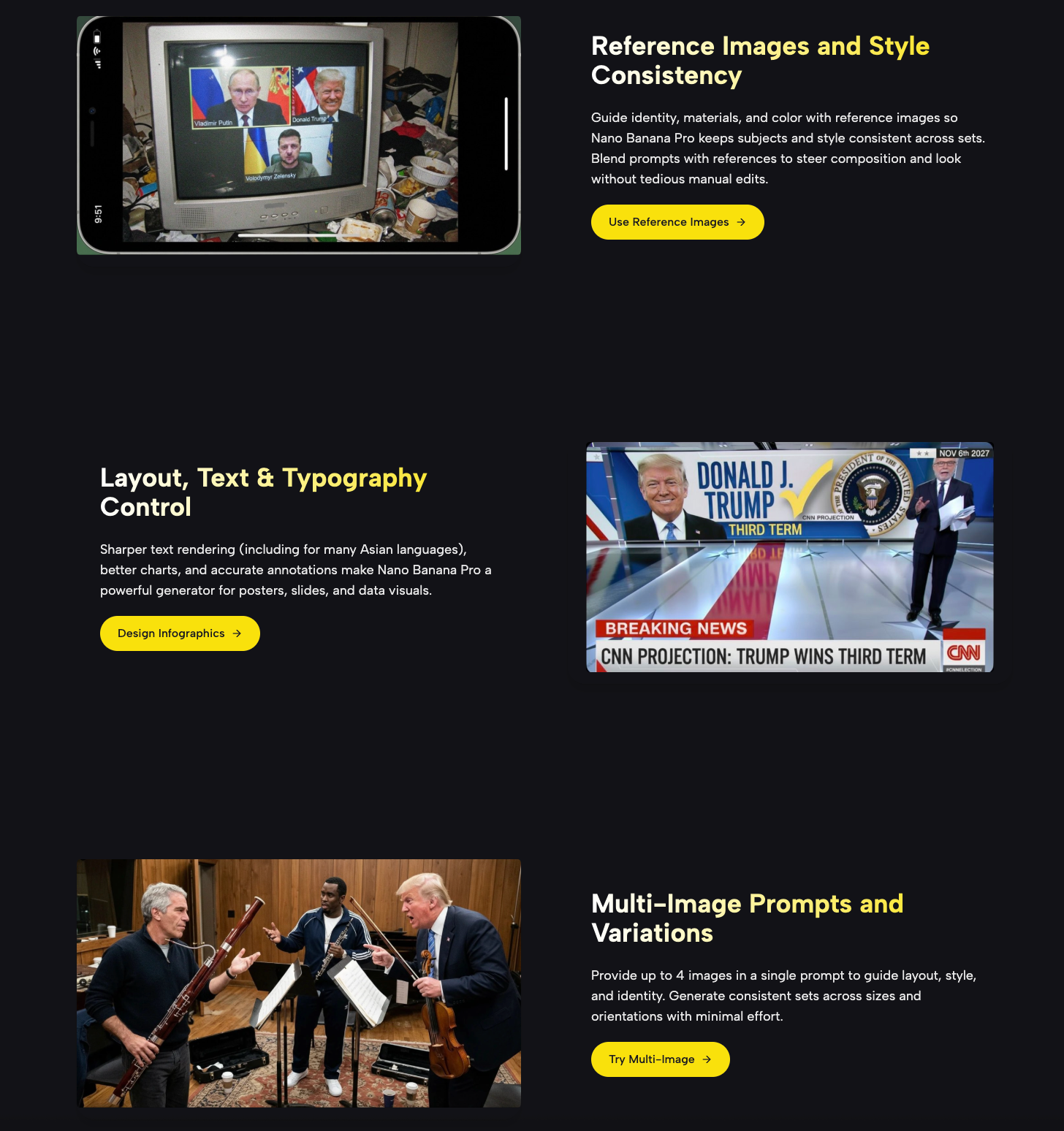
Most AI image generators accept a single reference image per prompt. Nano Banana Pro supports up to four input images at once. In practice, this opens up workflows that would otherwise require multiple generation rounds and manual compositing. You can provide a style reference, a subject reference, a layout example, and a color palette guide simultaneously — and the model works to synthesize them into a single coherent output. This is particularly useful for brand teams that need to maintain visual consistency across product lines or campaign assets.
2K Native Output with 4K Upscale
Output quality is 2K natively, with a 4K upscale pipeline available. For web use, social media, and presentation decks this is more than sufficient. For ecommerce product pages, high-DPI displays, or print-ready mockups, the 4K upscale option gives you room to work without resampling artifacts degrading the final image.
Flexible Aspect Ratios
The tool supports a range of aspect ratios — 16:9, 1:1, 4:3, 3:2, 2:3, 3:4, 4:5, 9:16, and 21:9. This means you can generate images sized for YouTube thumbnails, Instagram stories, Facebook banners, pitch deck slides, or print layouts without resizing after the fact and losing compositional integrity.
How the Generation Workflow Works
The interface follows a straightforward four-step flow:
Step 1: Start from Text or Upload References
Either type a prompt describing the image you need, or upload reference images (up to four). If you’re starting from a concept brief, text-to-image is the faster path. If you’re adapting existing brand assets or building on reference photography, the image-to-image route gives you more control over identity and style continuity.
Step 2: Set Style, Aspect Ratio, and Resolution
Before generating, you choose the output format — aspect ratio, resolution tier, and number of image variations (between one and four). Setting these upfront avoids regenerating just to get a different crop or size.
Step 3: Edit and Refine
Once you have an initial output, image-to-image editing lets you go back in with modifications. Replace specific objects, adjust background elements, swap typography, or refine diagram annotations. The text rendering capability is especially useful in this stage — you can iterate on label accuracy and layout without reconstructing the entire image.
Step 4: Export
Download directly from the browser. No post-processing pipeline required for most use cases.
Who Gets the Most Value from This Tool
Marketing and Brand Teams
Campaign production that requires consistent imagery across multiple formats — a square social post, a landscape web banner, and a vertical story — becomes significantly faster when you can generate all three from the same prompt with appropriate aspect ratios set in advance. The i18n text support also makes Nano Banana Pro a practical option for teams running localized campaigns across different regional markets.
Educators and L&D Professionals
Creating instructional diagrams, bilingual slide visuals, and annotated charts is one of the cleaner use cases for this model. The sharper text rendering means diagrams come out legible rather than requiring manual correction in a separate design tool.
Product Designers and Ecommerce Teams
Generating product mockups with realistic materials and lighting, swapping backgrounds for different channel requirements, and producing consistent SKU-level variations across sizes — these are workflows where multi-image reference support and flexible output ratios make a real difference in throughput.
Content Creators and Social Media Managers
For anyone producing high volumes of visual content — thumbnails, covers, carousel posts, story graphics — the ability to set a style reference and generate variations quickly reduces the turnaround from brief to publishable asset.
How Nano Banana Pro Compares to Simpler AI Image Tools
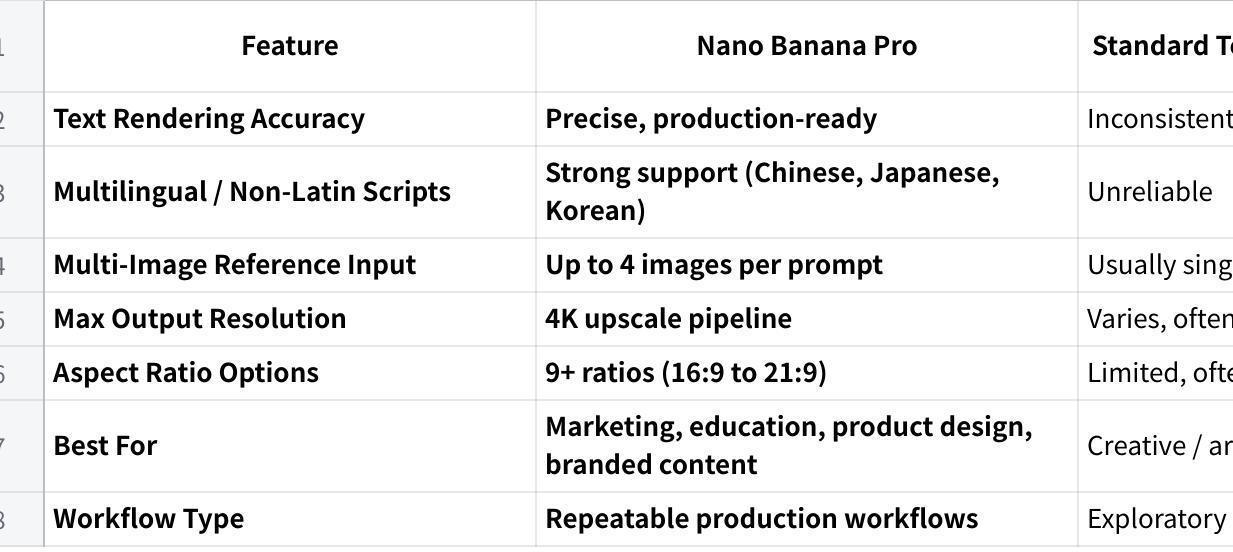
Standard text-to-image generators work well for creating atmospheric scenes, illustrations, and concept art where visual texture matters more than precision. The moment you need text to be readable, a chart to be accurate, or a layout to match a specific template, most general tools introduce inconsistencies that require manual correction downstream.
Nano Banana Pro’s design emphasis is on structured, information-carrying images — the kind used in marketing, education, product design, and branded content — rather than purely expressive or artistic generation.
点击图片可查看完整电子表格
The multi-image prompt support and text accuracy place Nano Banana Pro in a different practical category for teams with repeatable production workflows — making it a meaningful upgrade over both general-purpose alternatives and its own predecessor.
Frequently Asked Questions About Nano Banana Pro
Do I need an account to use Nano Banana Pro?
No. SuperMaker AI allows browser-based access without requiring sign-up or a download. You can open the tool and start generating immediately.
Can outputs be used commercially?
According to SuperMaker’s documentation, outputs from Nano Banana Pro can be used for commercial purposes including campaigns, ads, product pages, and social monetization, provided you hold the rights to any input assets used. Checking the current terms of service before production use is always advisable.
What is the difference between Nano Banana and Nano Banana Pro?
The standard Nano Banana model (based on Gemini 2.5 Flash Image) emphasizes speed and general prompt understanding. The Pro version adds 4K exports, the four-image input capability, improved consistency through scene memory, and more advanced text and typography handling.
How many images can I generate per prompt?
You can generate between one and four output variations per prompt, which makes it straightforward to compare compositions and style interpretations before committing to a final asset.
Conclusion
Nano Banana Pro addresses a specific and practical gap in AI image generation: producing visuals where text accuracy, layout precision, and style consistency matter as much as photorealism. For designers, marketers, educators, and content teams working with structured visual assets — infographics, branded creatives, product mockups, multilingual materials — it offers capabilities that general-purpose generators handle inconsistently. The browser-based access, multi-image prompt support, and 4K output pipeline make it a tool worth integrating into production workflows that depend on repeatable, high-quality results.